Kidverse home

Turn English into a great adventure.

Stories children love, activities that stick and a placement test teachers trust — one platform for class and home.

  • Ages 4–13
  • Pre-A1 → B1
  • CEFR + GSE aligned
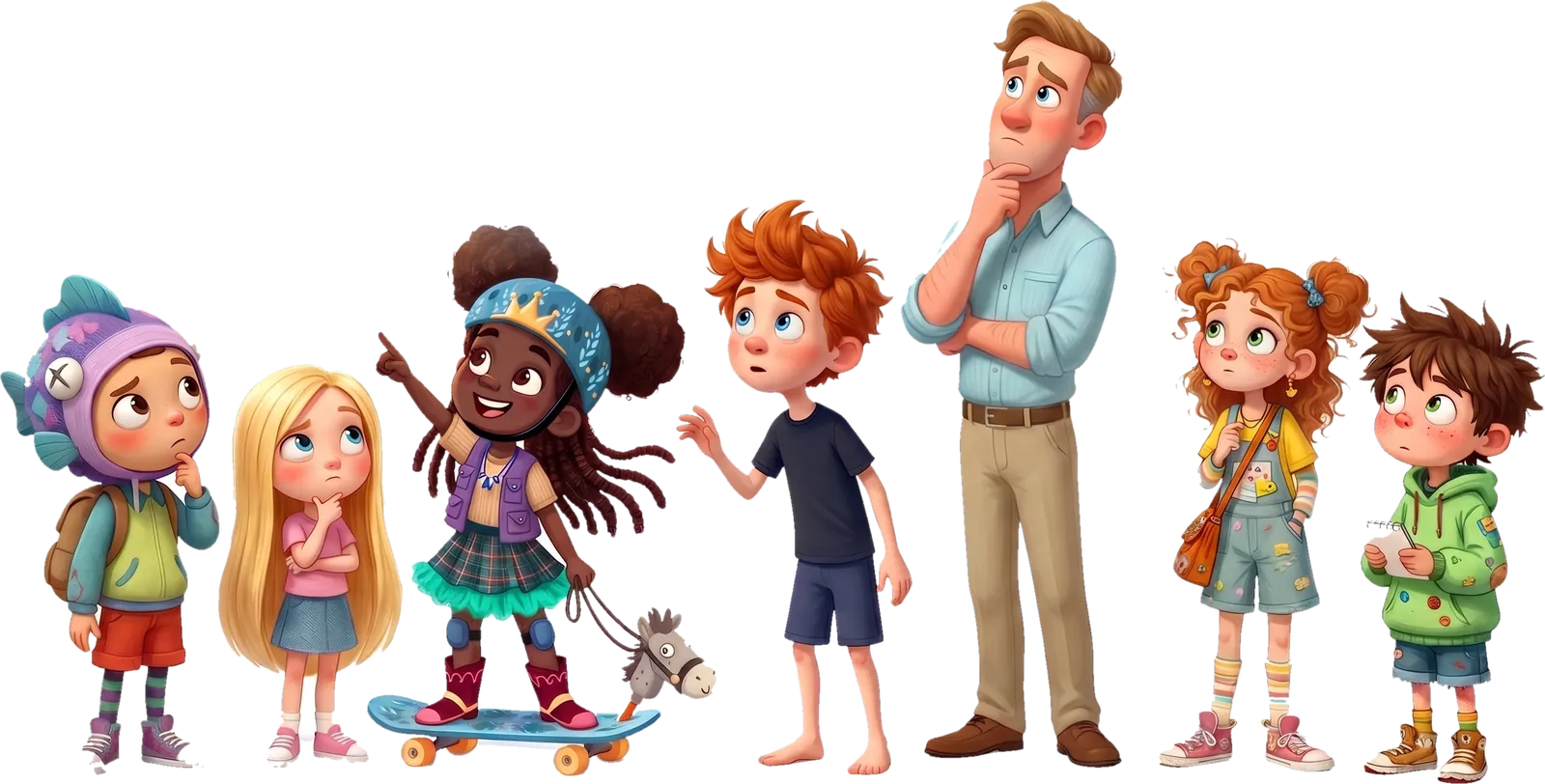
The Kidverse characters looking up in wonder

The Kidverse story collection

Little stories.
Big discoveries.

350+ illustrated, narrated and animated books. A new adventure on every page.

Explore the seven levels

Scroll through a few of our favourites →

The challenge

In an English class

1

Mixed levels & needs

Some are still decoding. Others are bored.
2

Little practice time

20+ children, one lesson — little reading time for each.

3

Parents in the dark

What is my child learning?

4

Practice at home

English learning continues at home, beyond the classroom.

5

A life skill

English is not just a school subject, it should be a life skill.
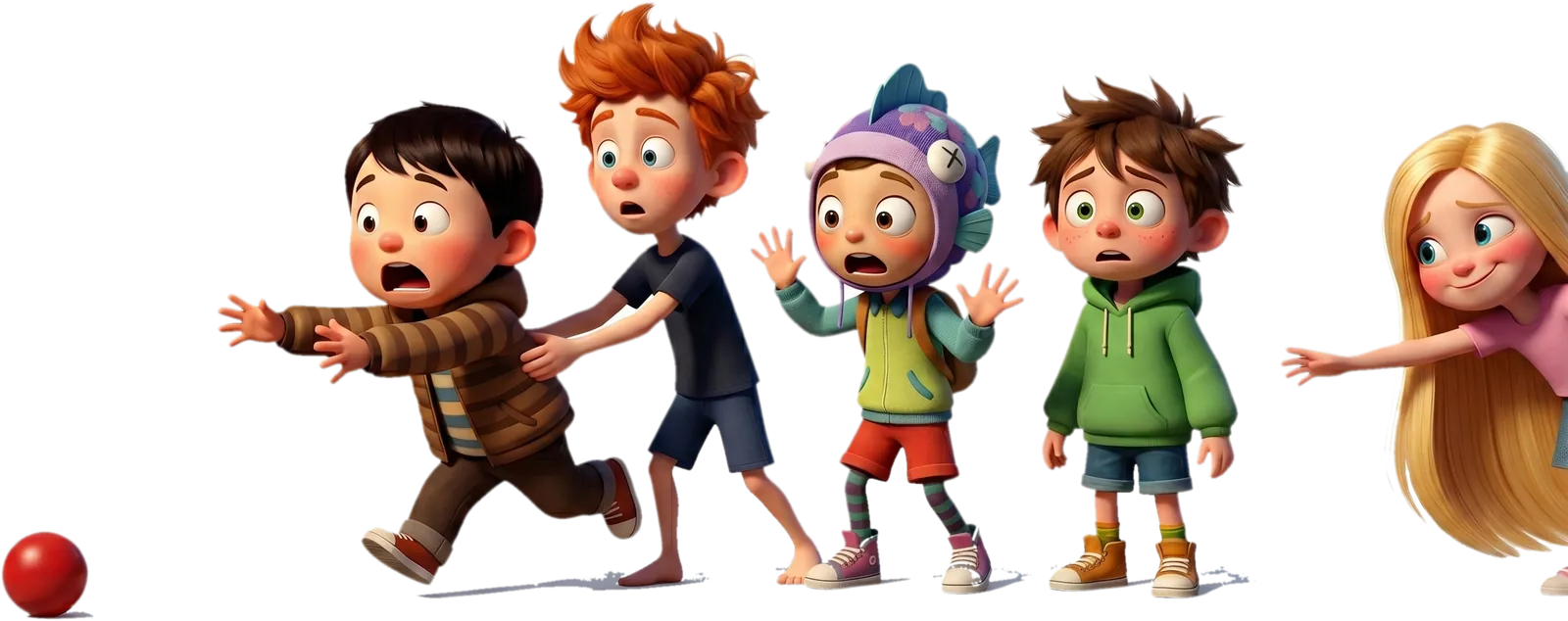
Kidverse children chasing a red ball

The platform

Meet Kidverse.

An interactive English library that teaches, practises and measures — in class and at home.
books in the library, more coming
350+
activity types
24
CEFR micro-levels
7
placement test
15 min
  • iOS
  • Android
  • Web
  • Offline in class & at home
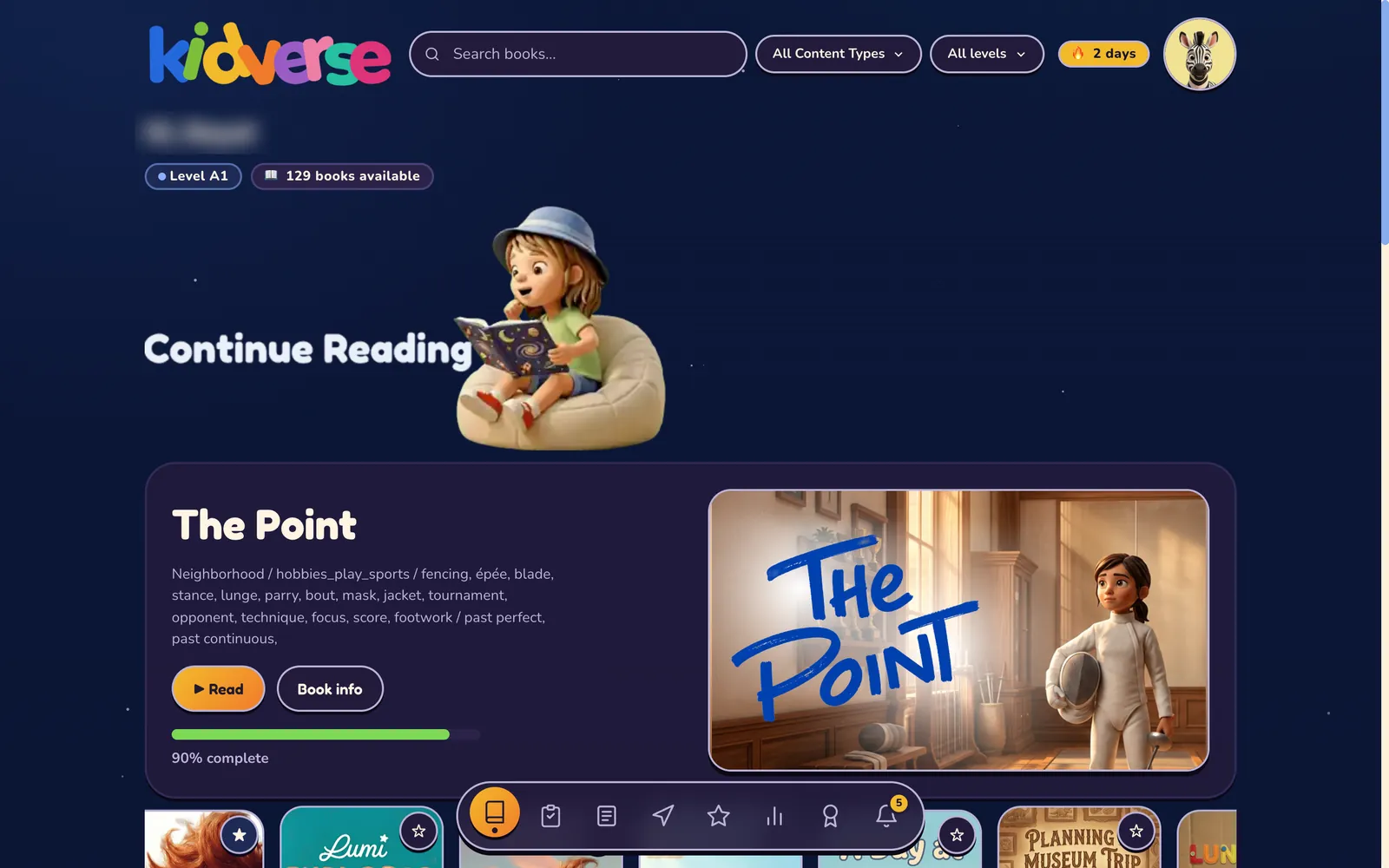
The Kidverse student library in the dark theme, with a book to continue reading
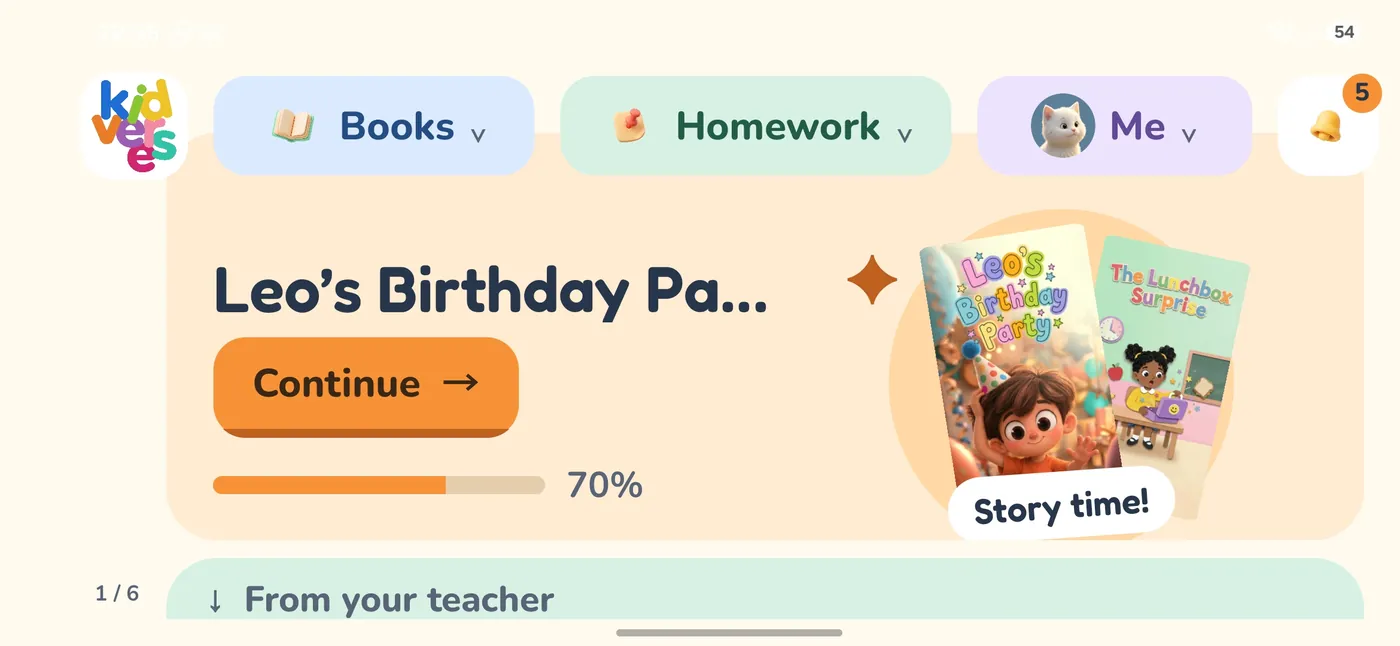
The Kidverse mobile app home screen with a story in progress

Kidverse levels

Seven levels, one clear path.

Each Kidverse level maps to one CEFR micro-level — books grow with the child.

Kidverse levelCEFRWords
Level 1Pre-A120–40
Level 2Pre-A1+40–70
Level 3A160–100
Level 4A1+100–150
Level 5A1+ to A2150–200
Level 6A2200–280
Level 7A2 to B1280–400
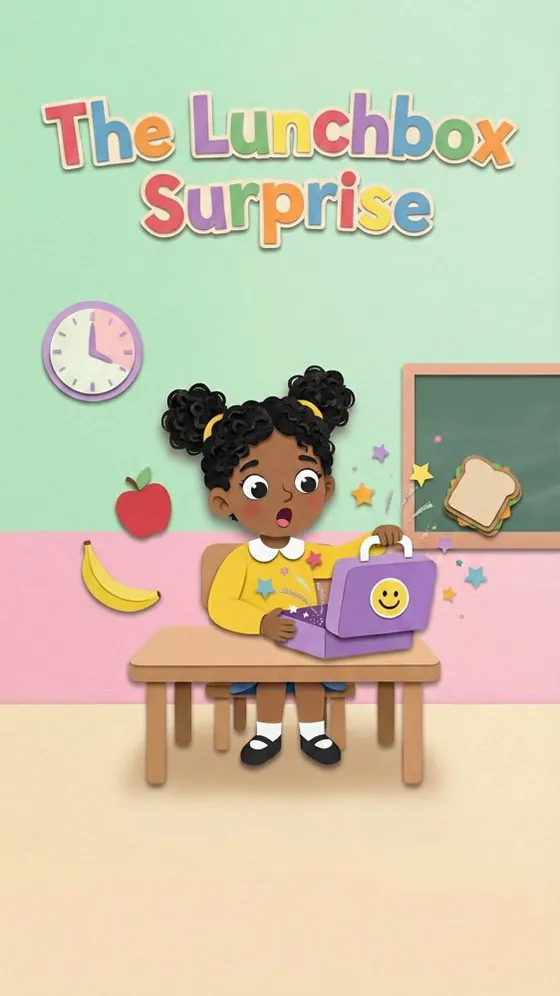
  • Cover of The Lunchbox Surprise

    L1 · Pre-A1

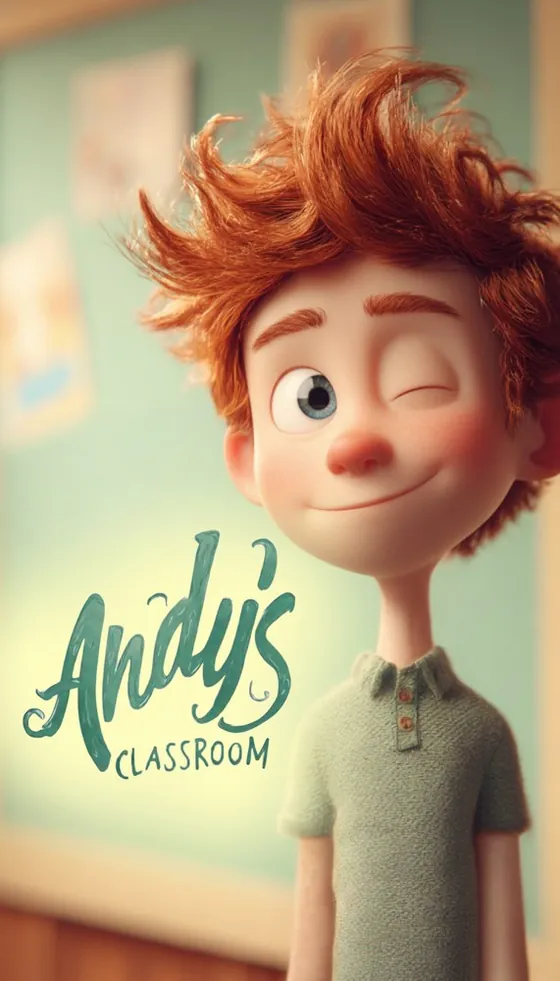
  • Cover of Andy's Classroom

    L2 · Pre-A1+

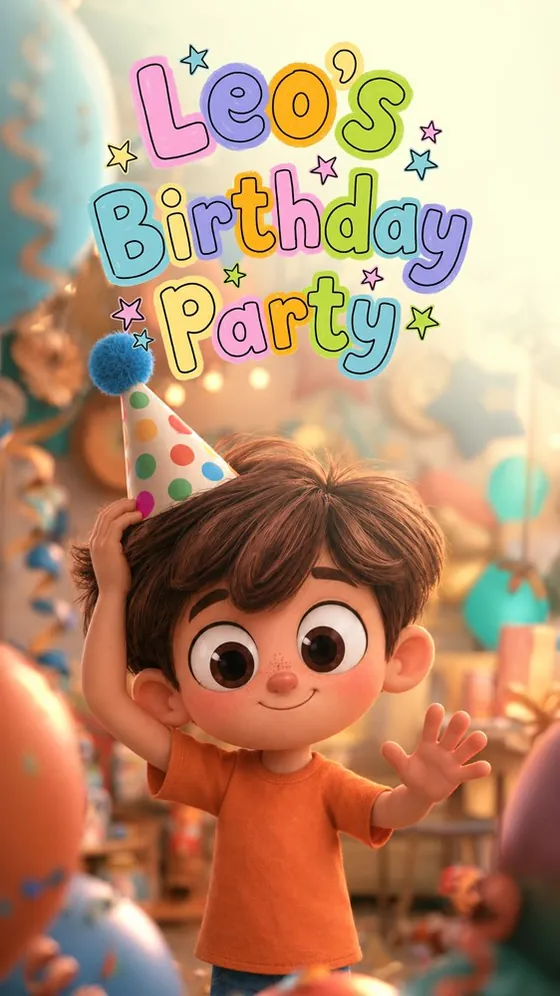
  • Cover of Leo's Birthday Party

    L3 · A1

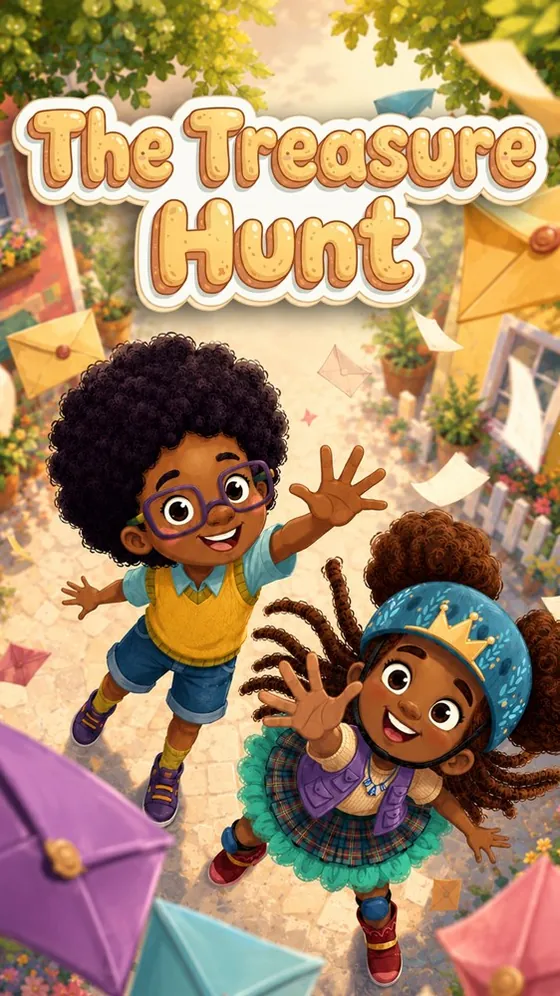
  • Cover of The Treasure Hunt

    L4 · A1+

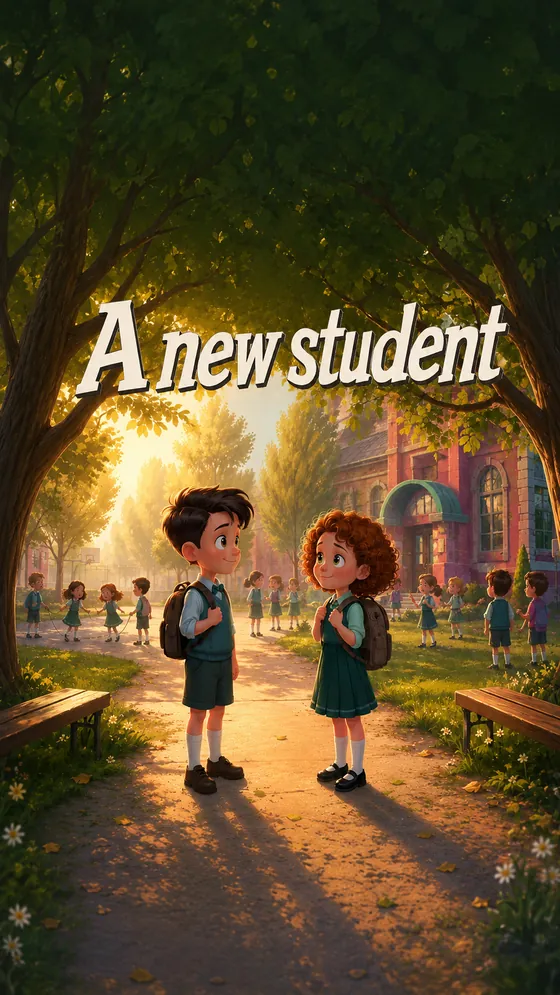
  • Cover of A New Student

    L5 · A1+ to A2

  • Cover of The Forest Rescue

    L6 · A2

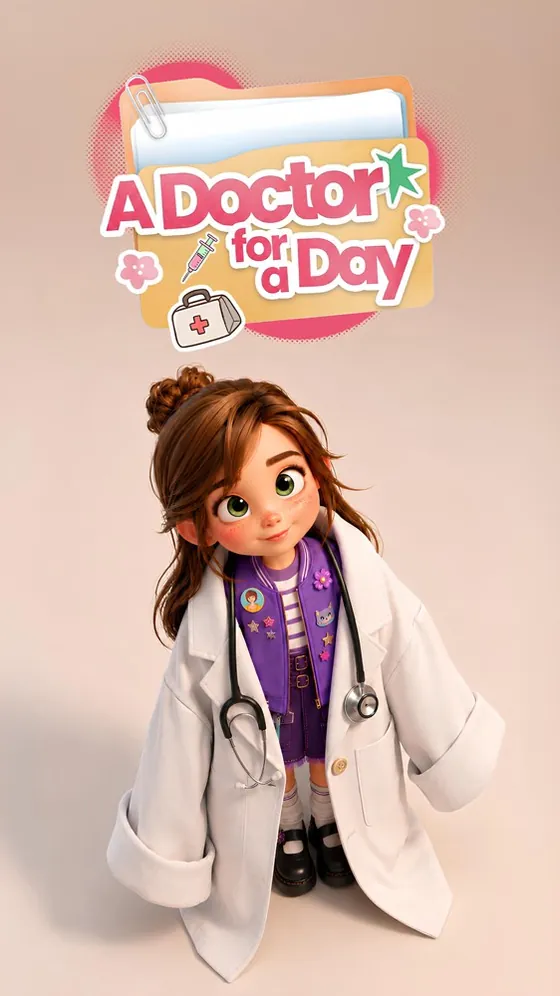
  • Cover of A Doctor for a Day

    L7 · A2 to B1

Content types

Age-appropriate content for every child.

7 formats

  • Video
  • Illustrated
  • Animated
  • Silent Visual Stories
  • Bedtime Stories & Lullabies
  • Songs & Chants
  • Non-Fiction
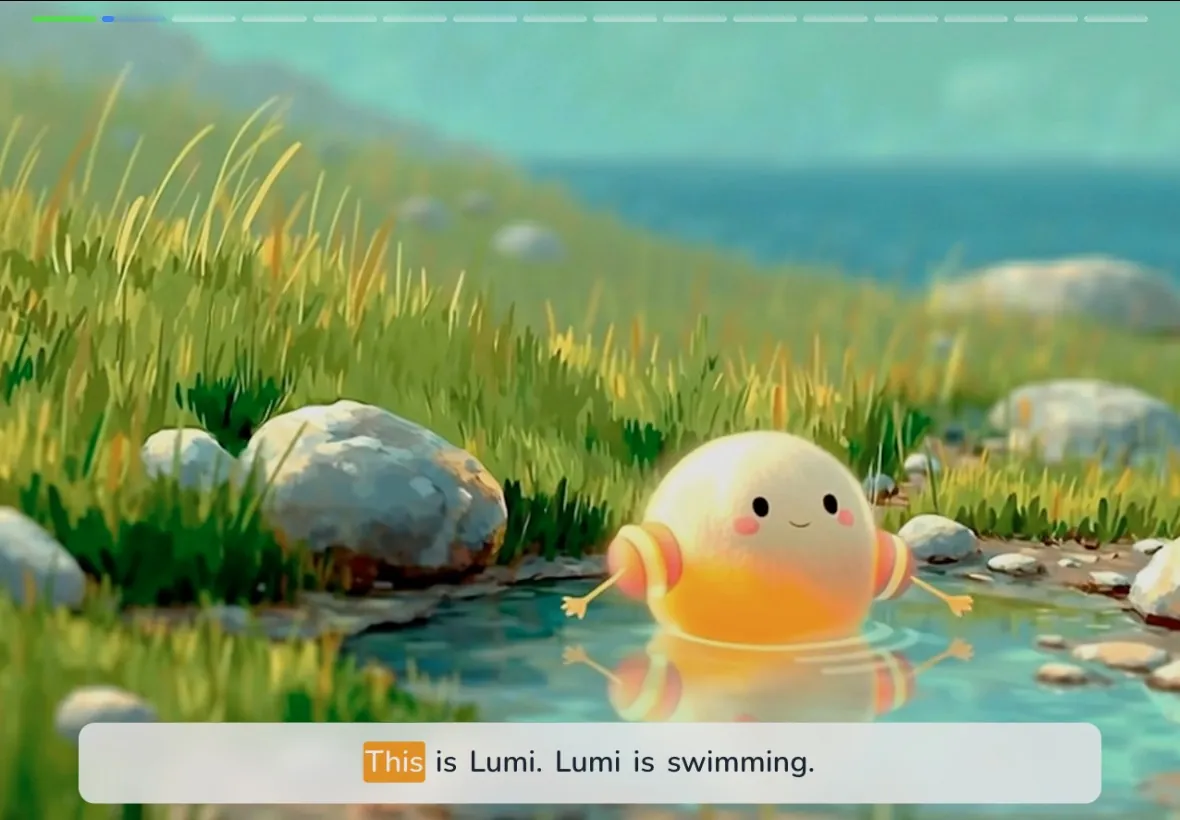
Lumi the phonics character swimming in a stream

Phonics series

Lumi explores 26 sounds, word by word.
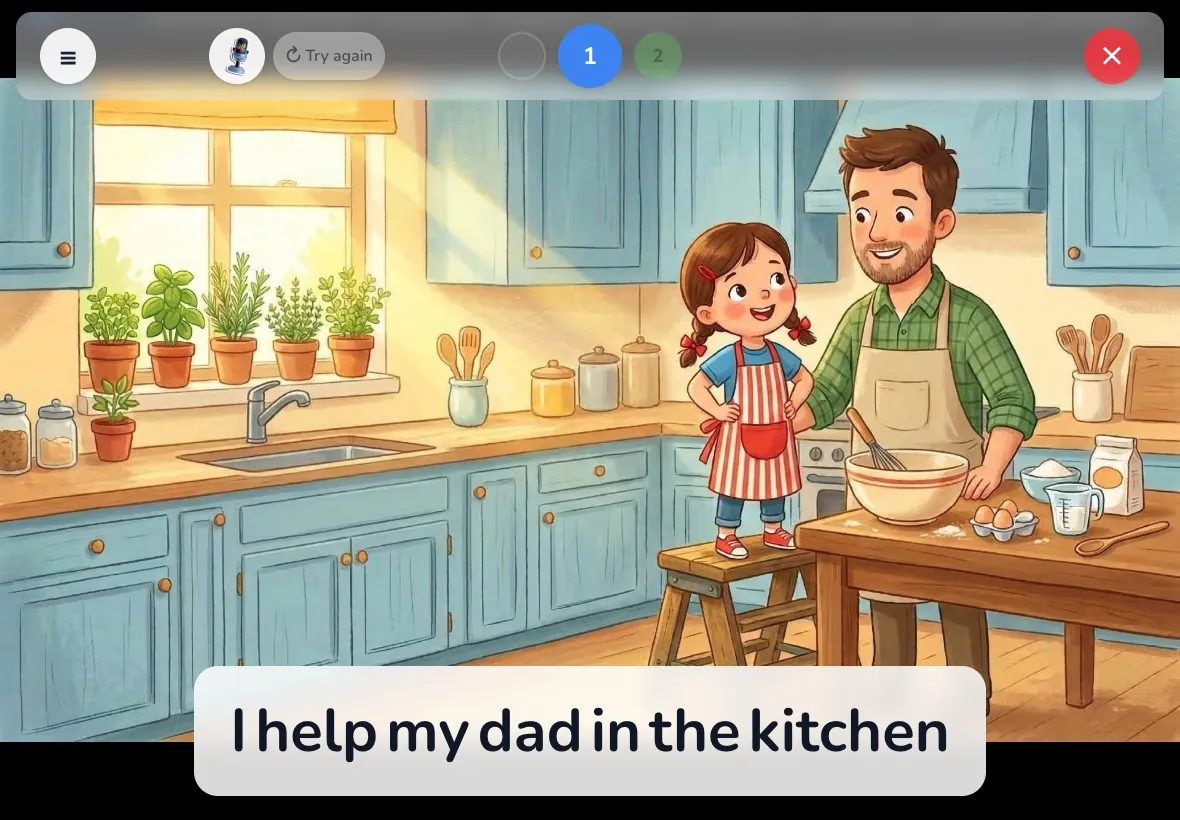
A girl cooking with her dad, with the sentence to read aloud

Read Aloud

The child reads out loud; the app listens.

Every book is a lesson.

  1. Pre-reading

    Vocabulary prep

    Schema activation, curiosity

  2. While-reading

    Micro-checks

    Instant scaffolding inside the story

  3. Comprehension

    Synthesis & production

    Inference and output

6 exercises per book at Pre-A1 → 12 at A2 to B1
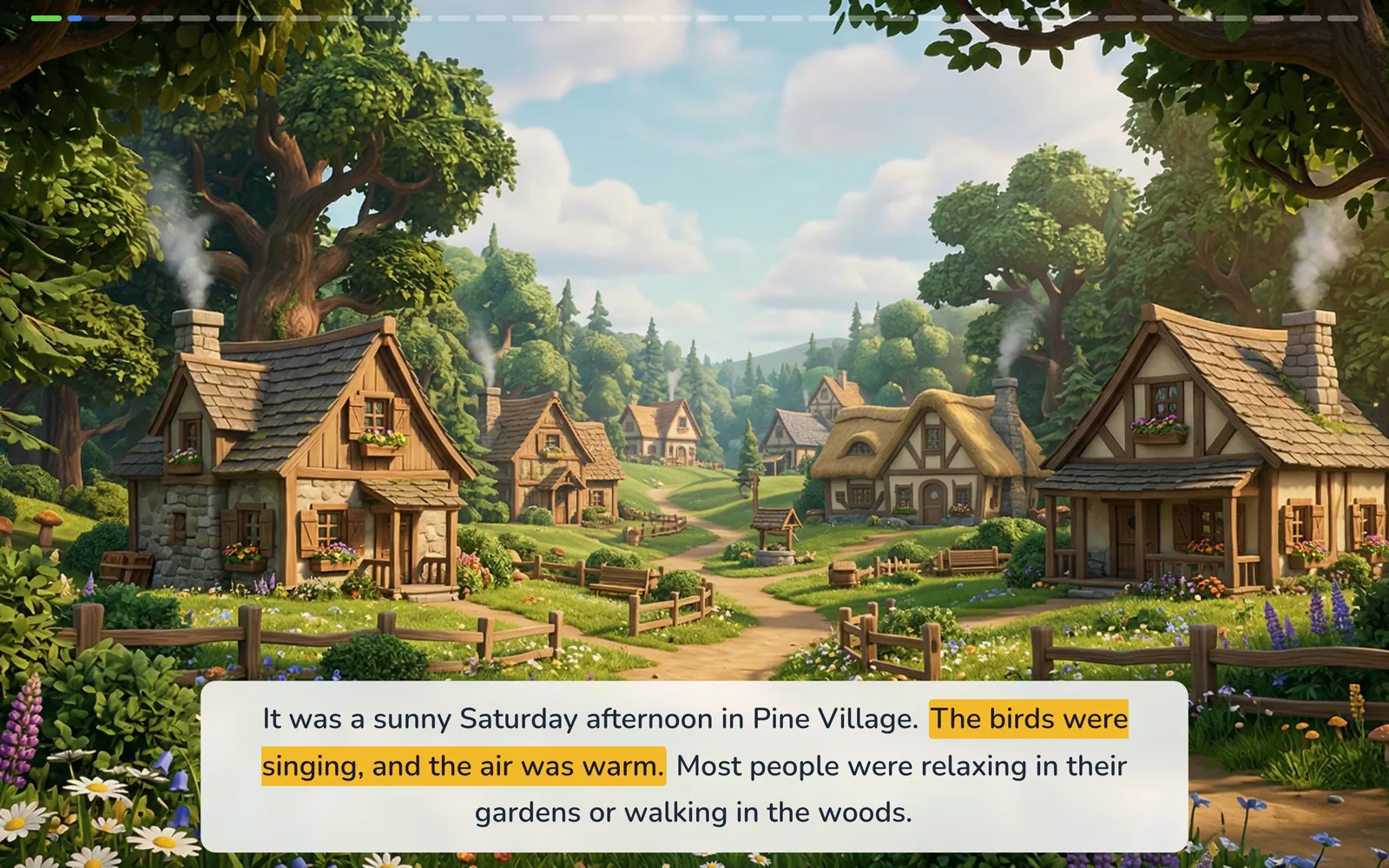
A page of The Forest Rescue with narration highlighting the sentence being read
Narration with sentence and word highlighting — The Forest Rescue

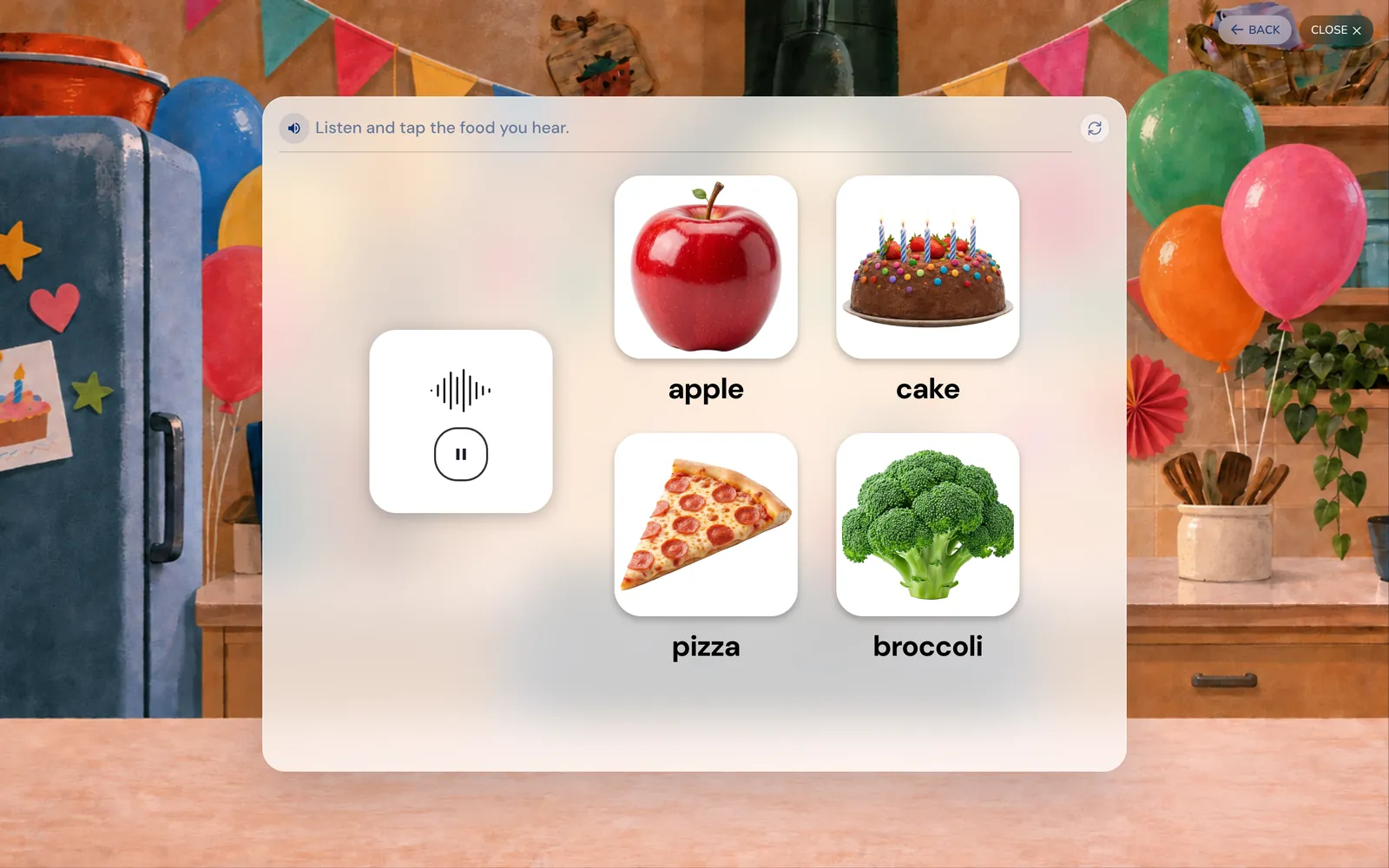
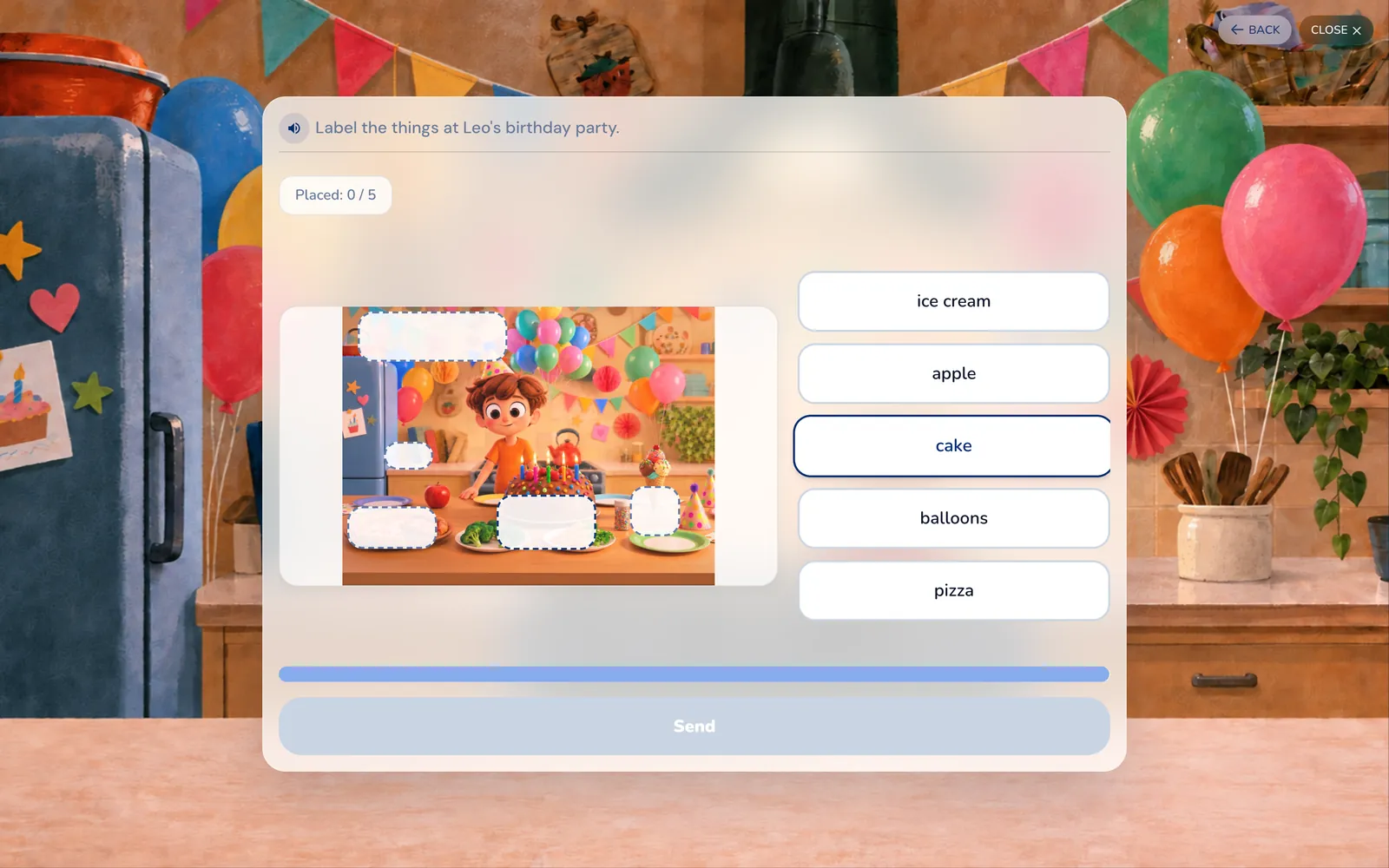
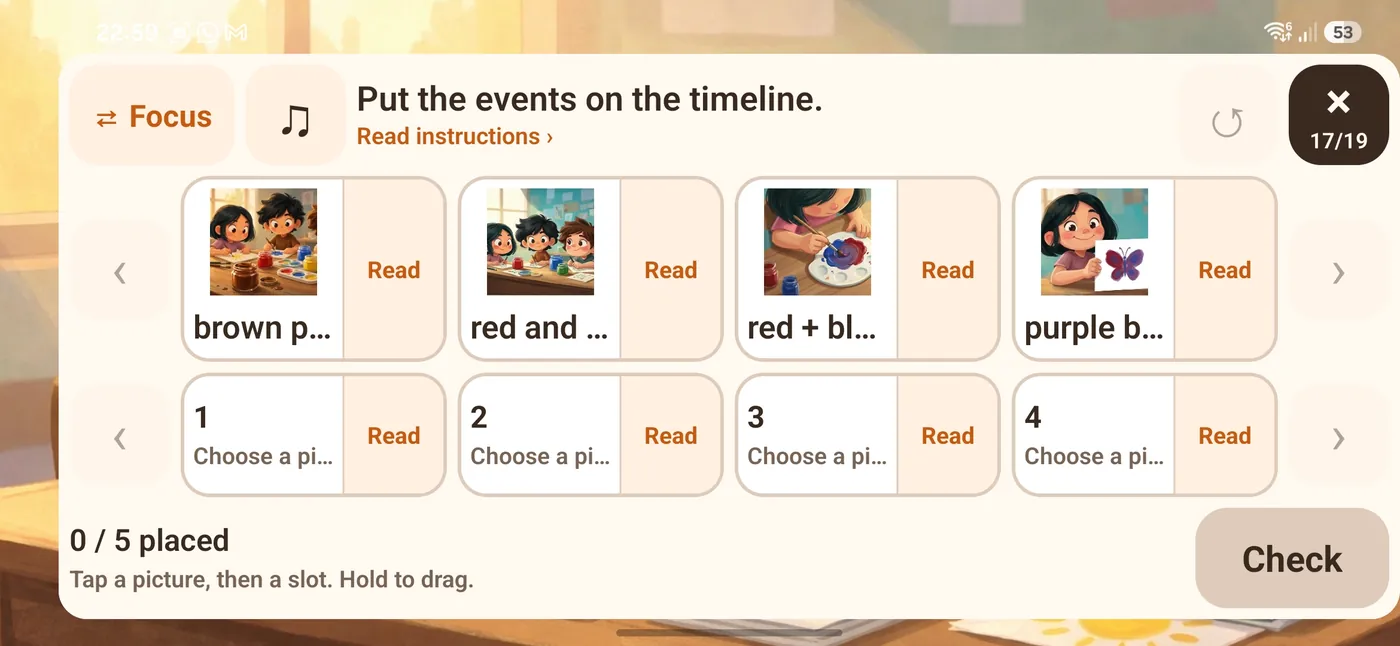
Exercises

The story keeps going after the last page.

Listen and tap the food you hear: apple, cake, pizza, broccoli
Listen and tap
Label the things at Leo's birthday party
Label the picture
Put the events on the timeline, on the mobile app
Timeline — on mobile

24

activity types, inside every story

Placement test

Adaptive placement test.

CEFR level + GSE score · skill breakdown — in 15 minutes.

LevelGSECEFR
1 · Pre-A110–17<A1
2 · Pre-A1+18–22<A1
3 · A122–26A1
4 · A1+26–30A1+
5 · A1+ to A230–33A1+–A2
6 · A233–36A2
7 · A2 to B136–42A2+
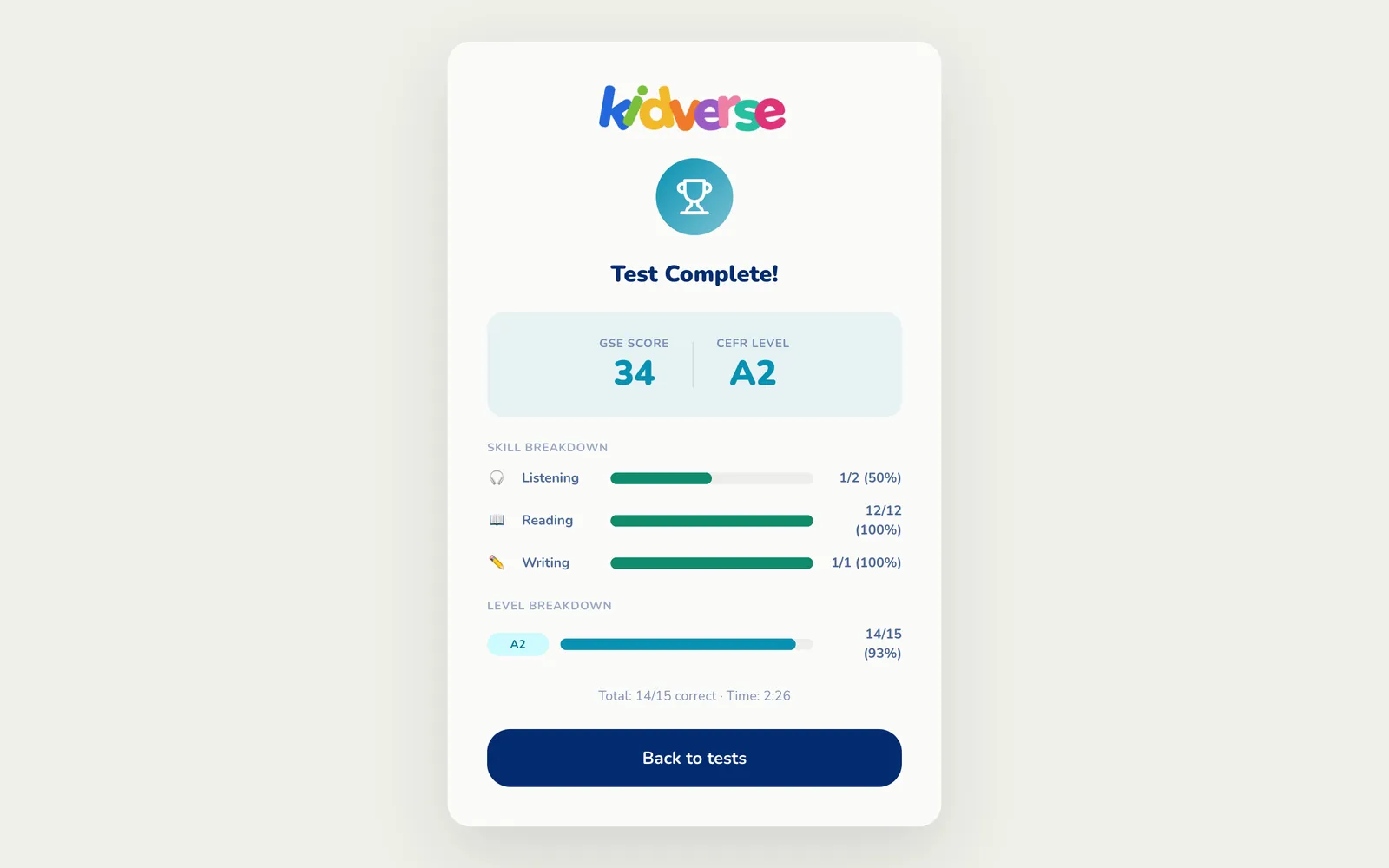
Test complete: GSE score 34, CEFR level A2, with a skill breakdown
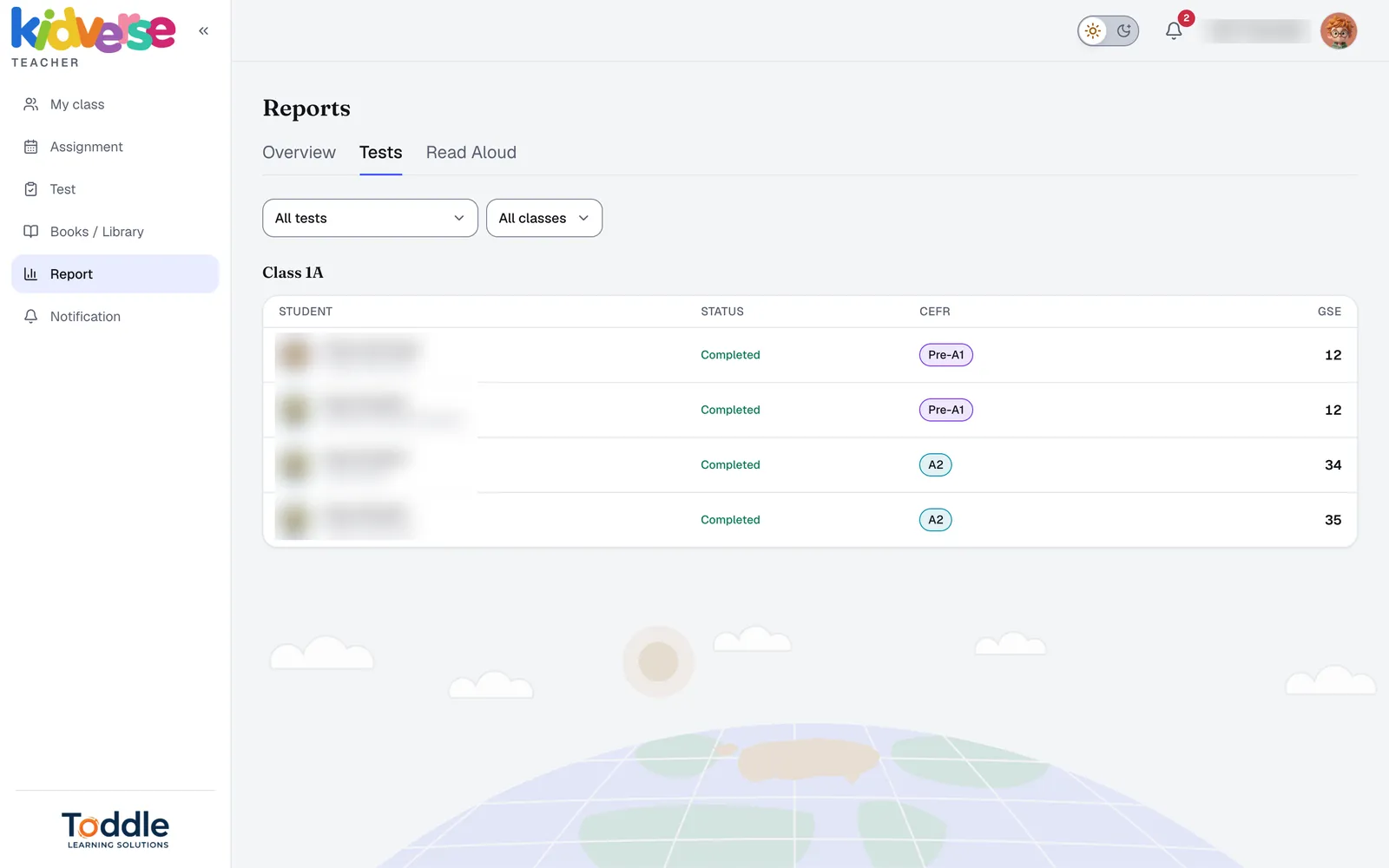
Teacher report listing each student's test, CEFR level and GSE score

For teachers

A dashboard teachers actually open.

Assign books, run tests and see progress — class by class, student by student.
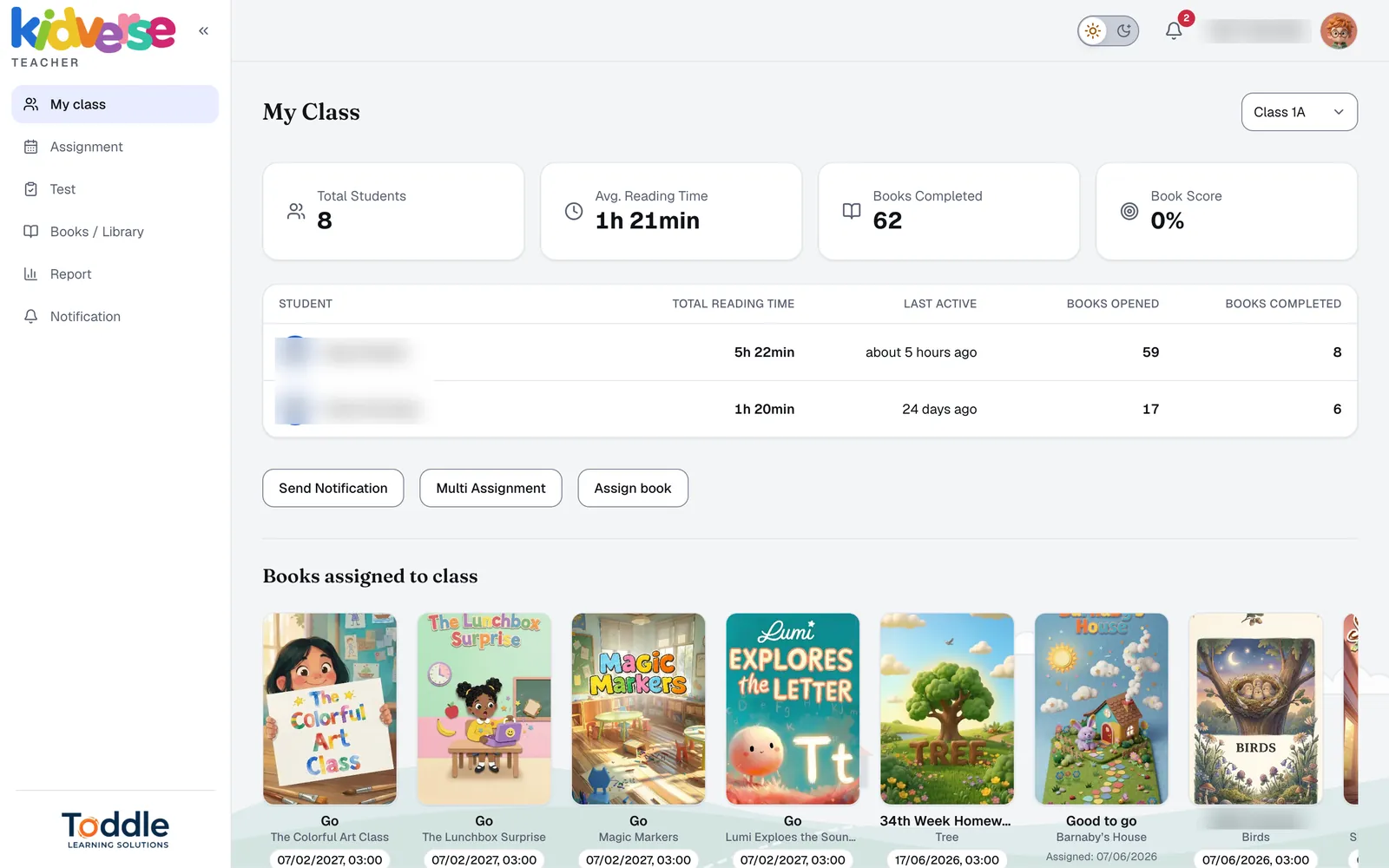
  1. My class: students, average reading time and books completed

    1 Your class at a glance

    Reading time and books per student.

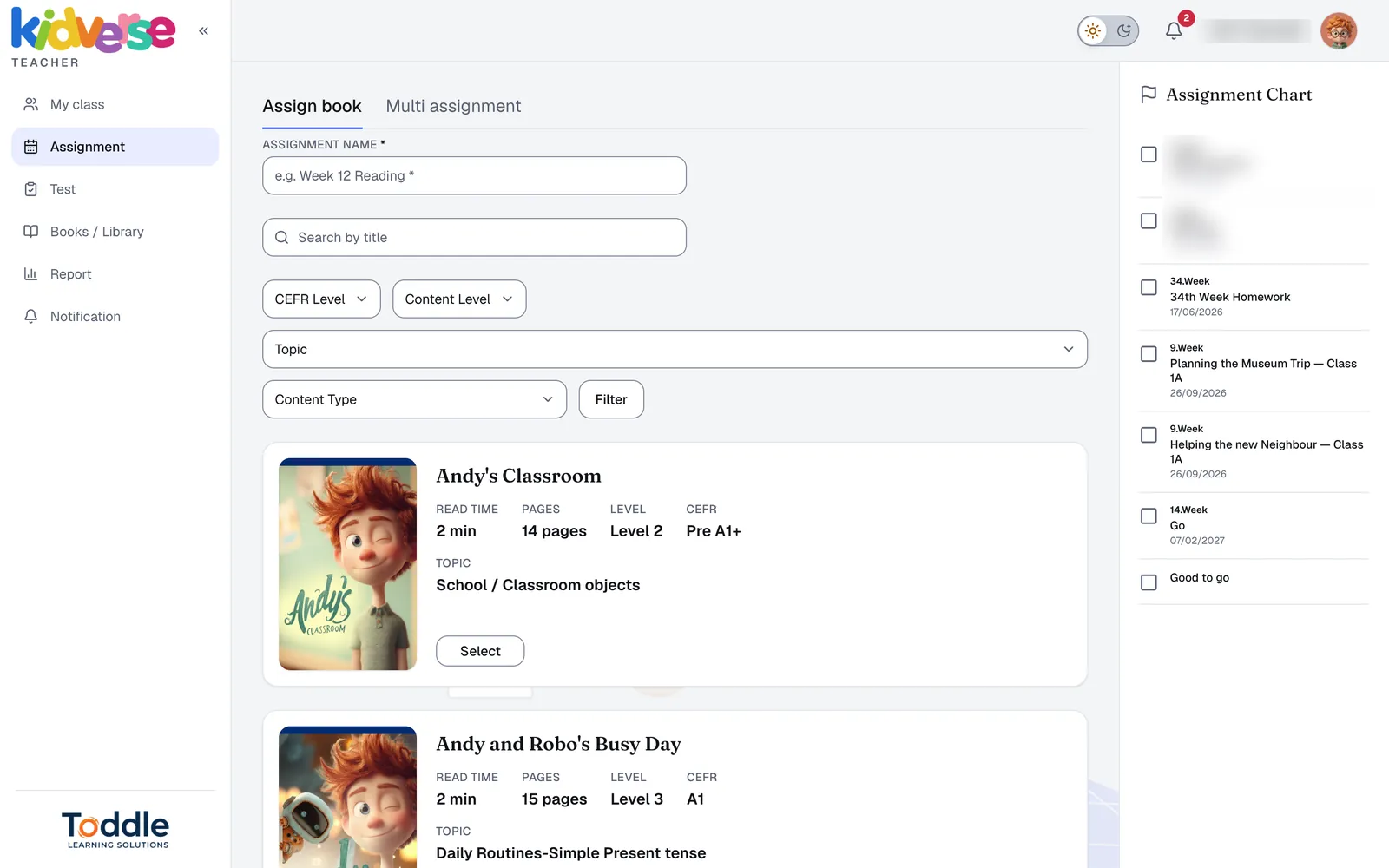
  2. Assign book screen with CEFR, level, topic and content type filters

    2 Assign the right book

    A book for the whole class or one student — filter by CEFR, level, topic and type.
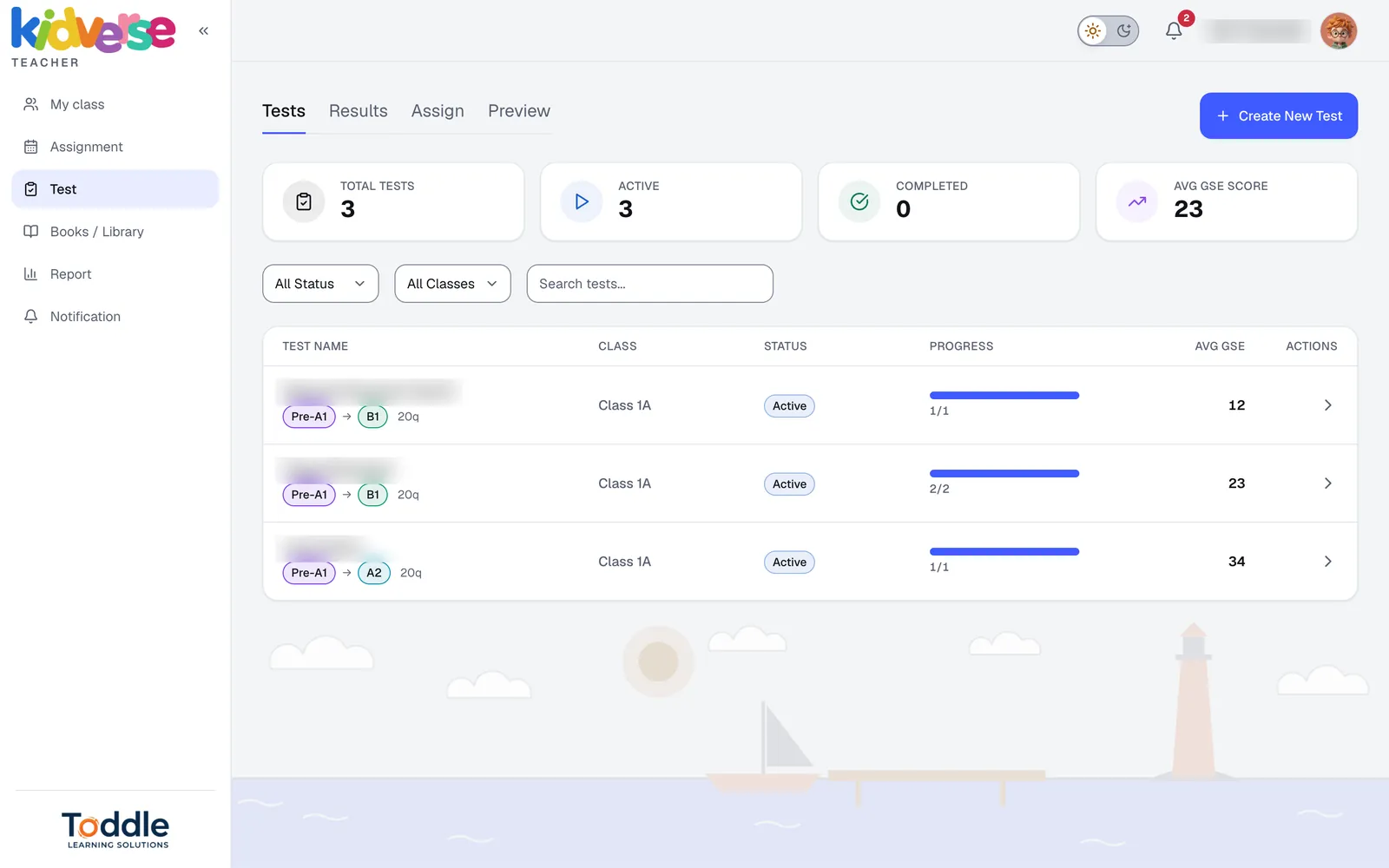
  3. Tests overview with active tests and average GSE score

    3 CEFR tests, scored for you

    Create placement tests and see the average GSE score.
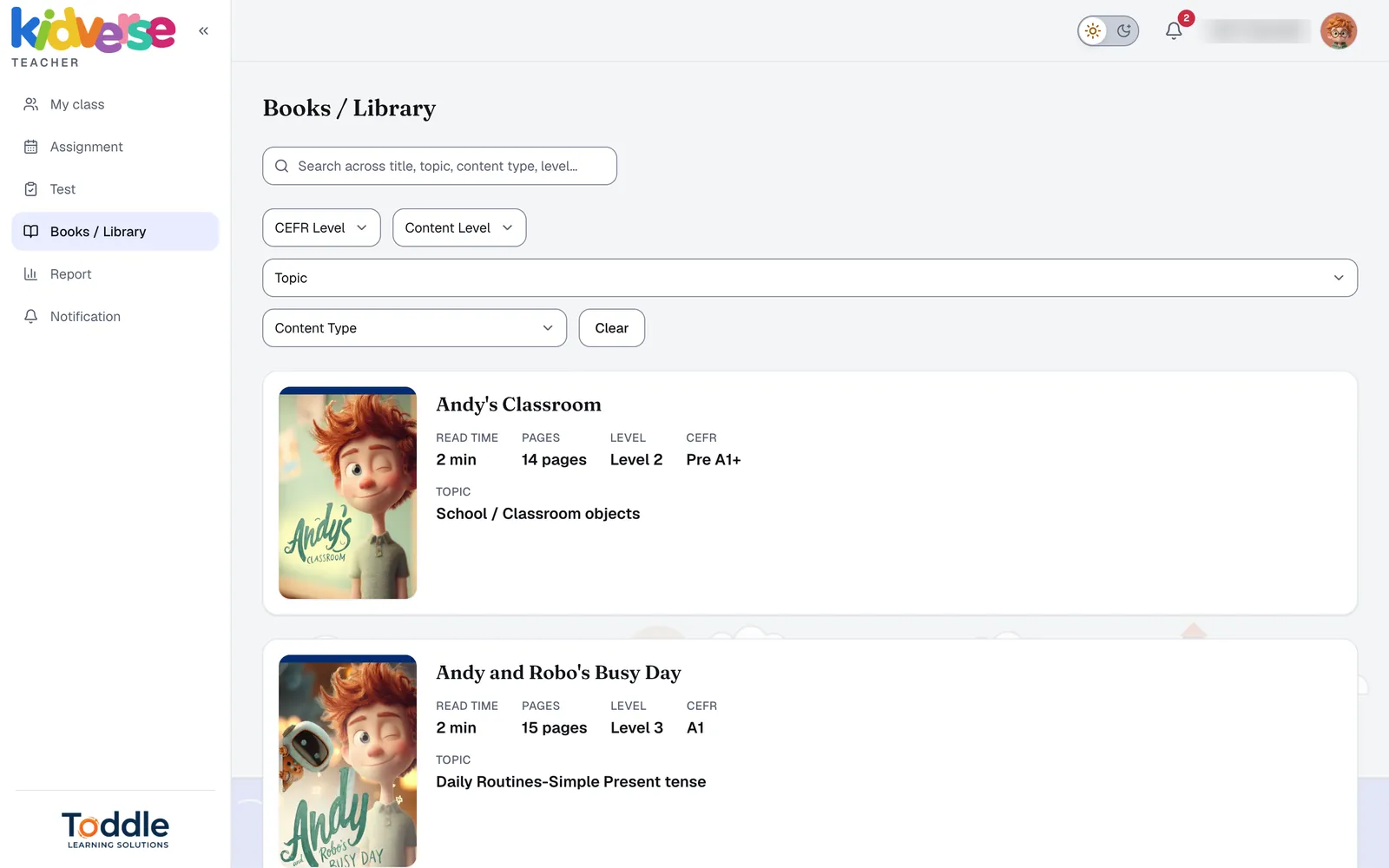
  4. Teacher library with read time, pages, level and CEFR for each book

    4 Find the right book fast

    Filter by CEFR, level, topic and content type.
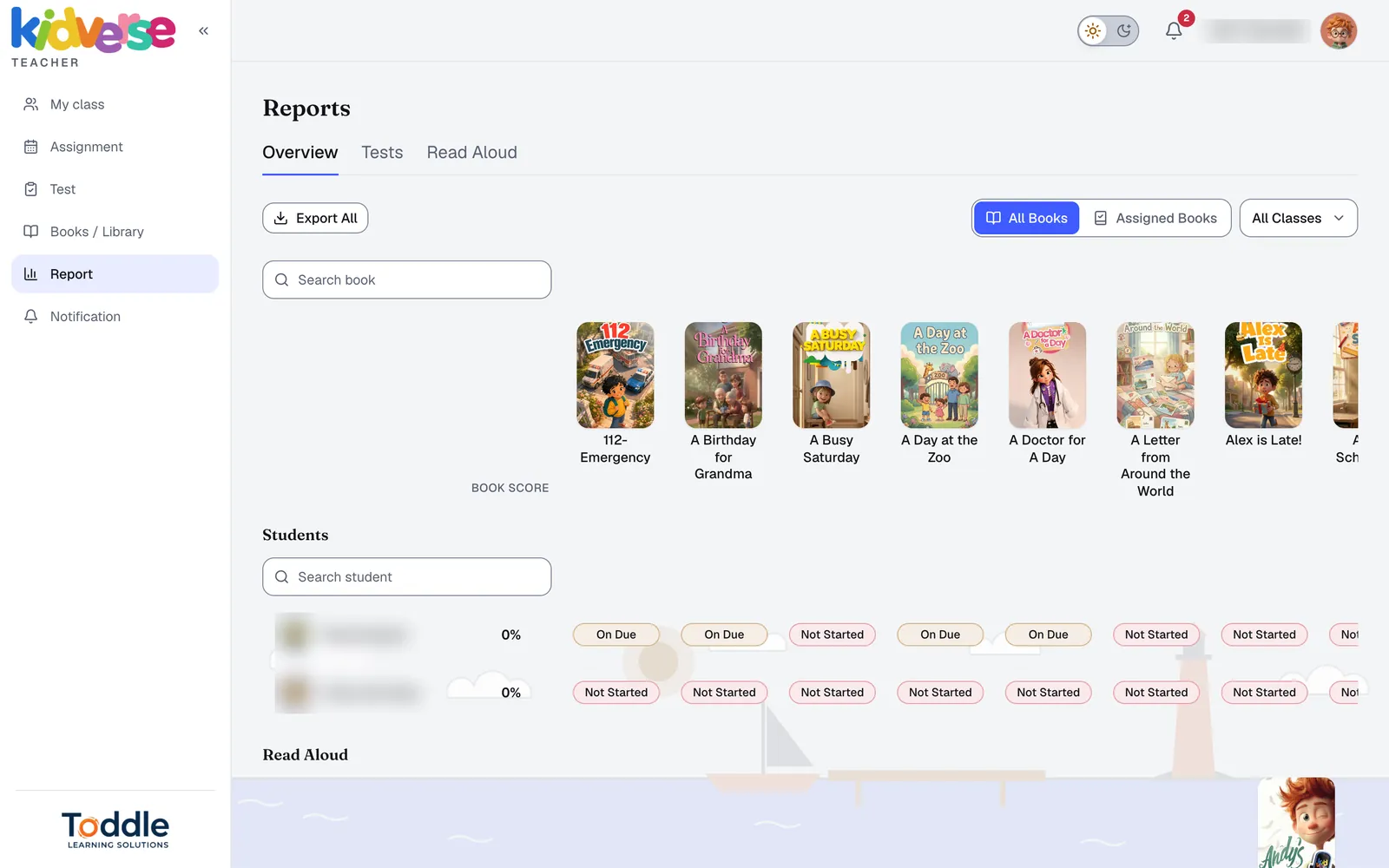
  5. Report overview with every book and every student's status

    5 The report writes itself

    Progress by book and by student — ready to share.
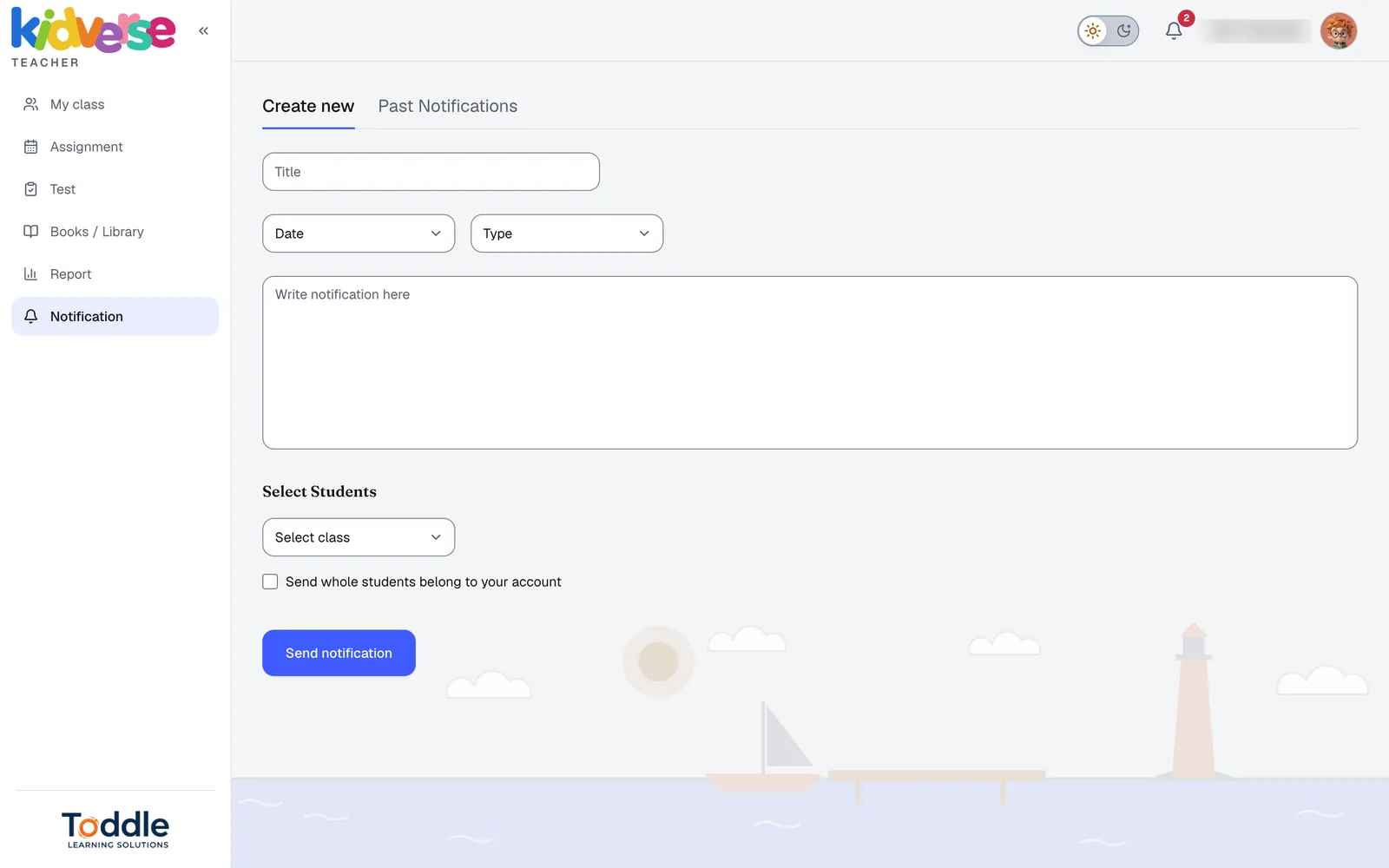
  6. Create a notification for a class or chosen students

    6 Talk to your class

    Message the class or chosen students.

Homework

Same account. Any device.

iOS · Android · Web

The book assigned in class waits under “From your teacher”. Downloaded books keep working offline.

Online & offline
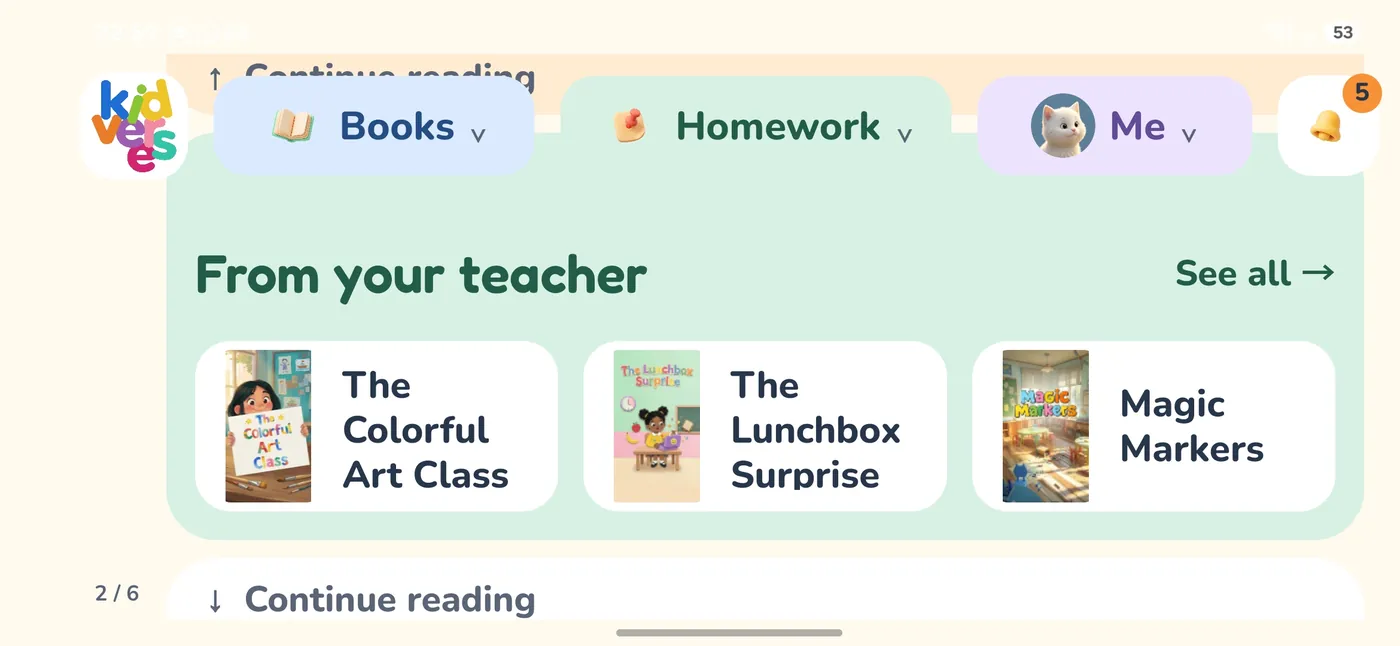
From your teacher: books assigned in class, on the mobile app
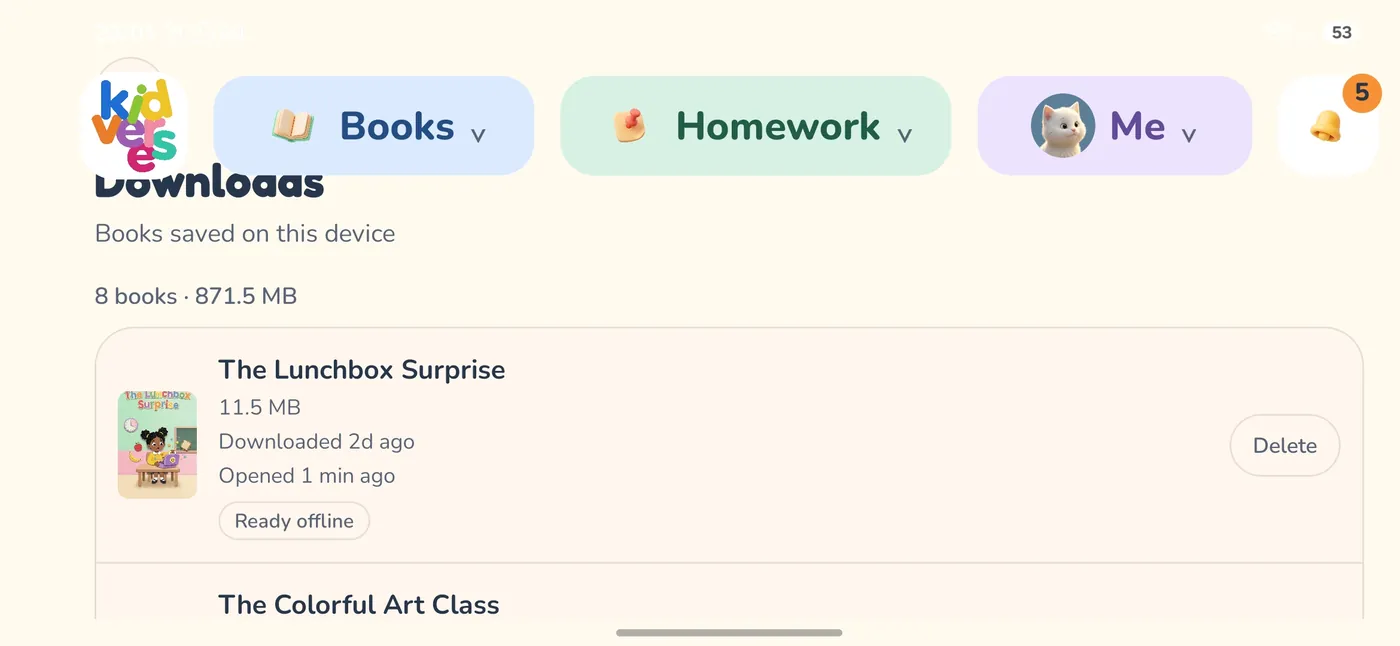
Downloads: books saved on the device for offline reading
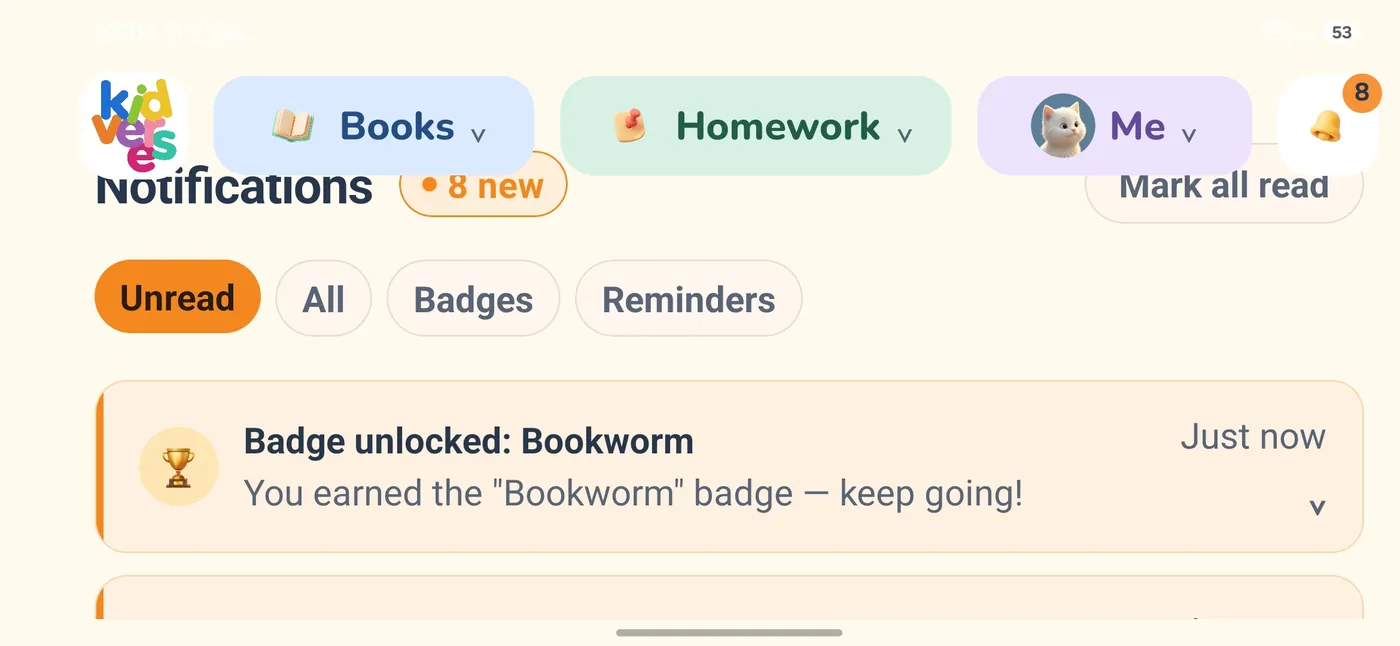
Notifications with a newly unlocked badge
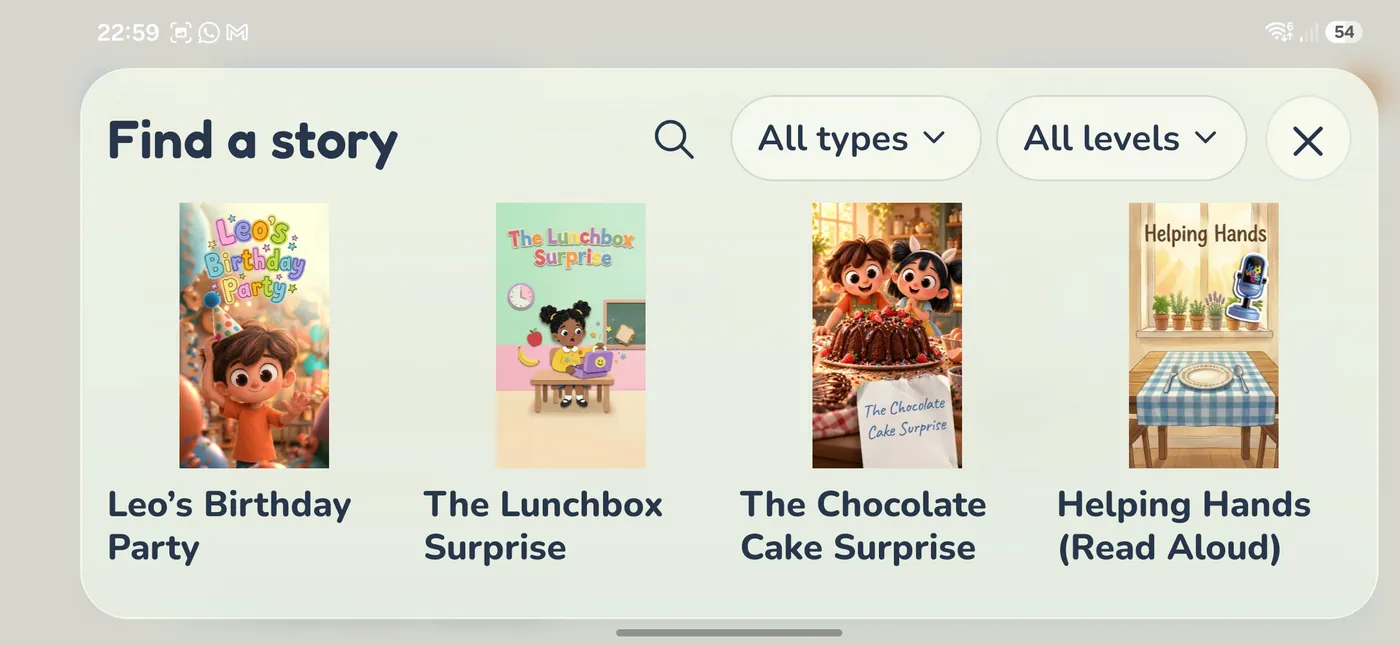
Find a story: search the library by type and level

At home

Parents see progress too.

  • Follow progress in the child's own account
  • The school shares reports with families
  • Bedtime Stories & Lullabies
  • Songs & Chants
  • Books the child picks
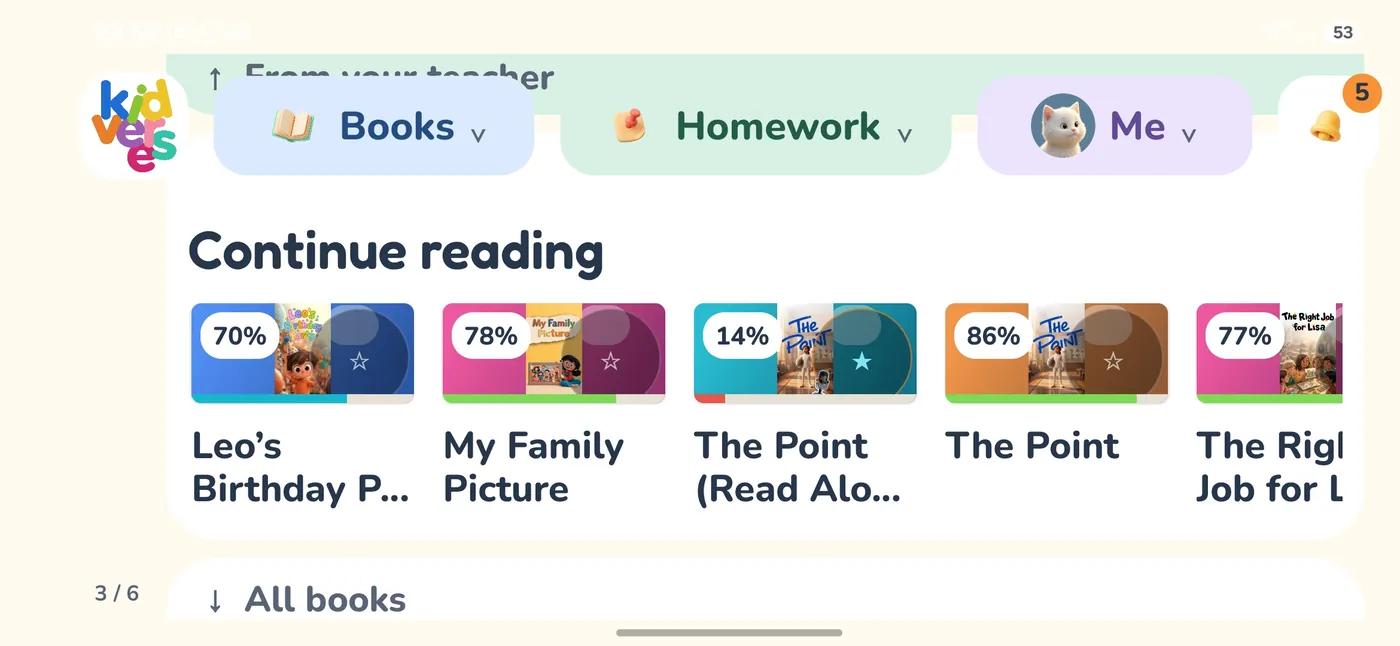
Continue reading on the mobile app, with progress on each book
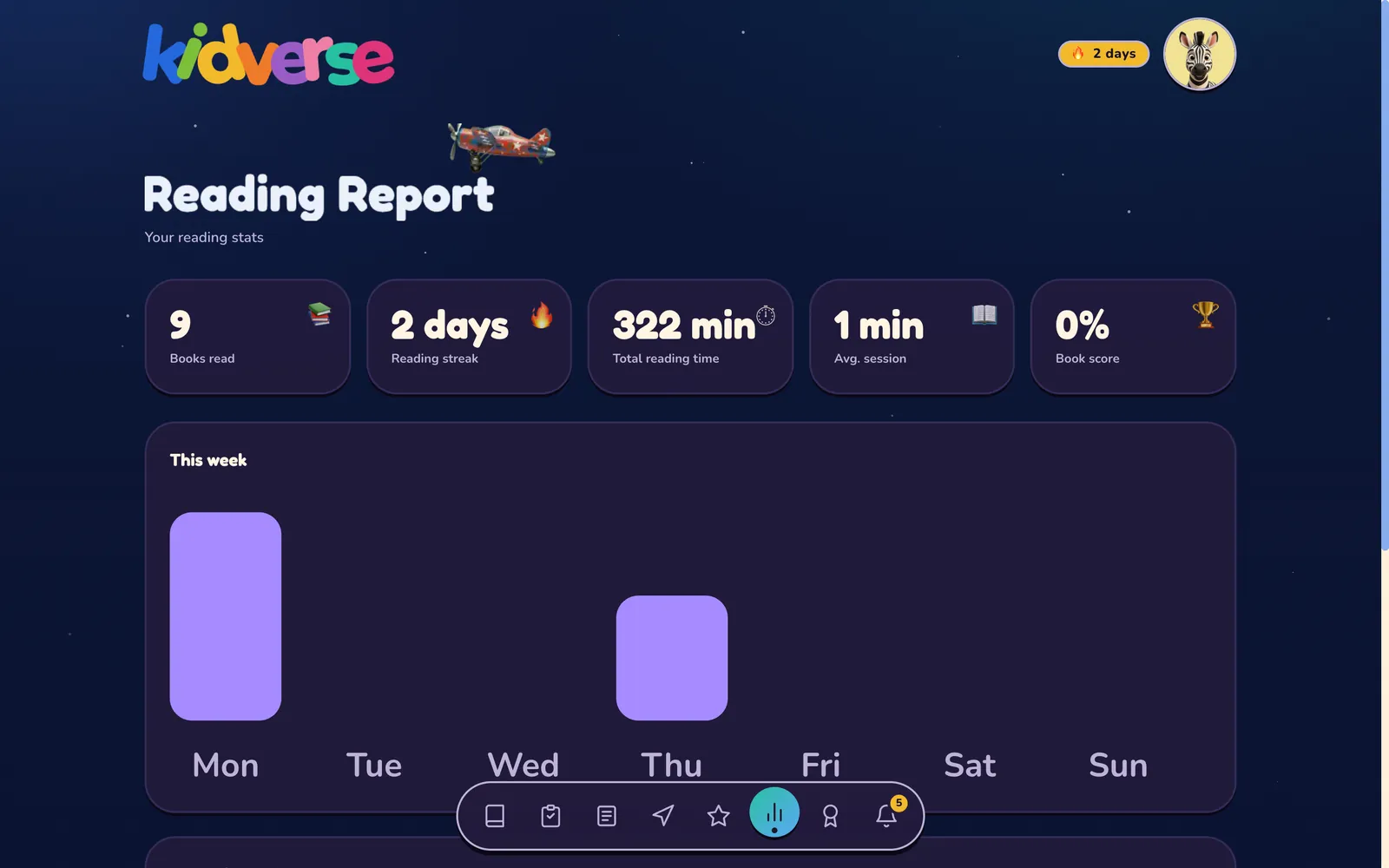
Reading report with books read, reading streak and total reading time
Reading report — books read, streak, reading time
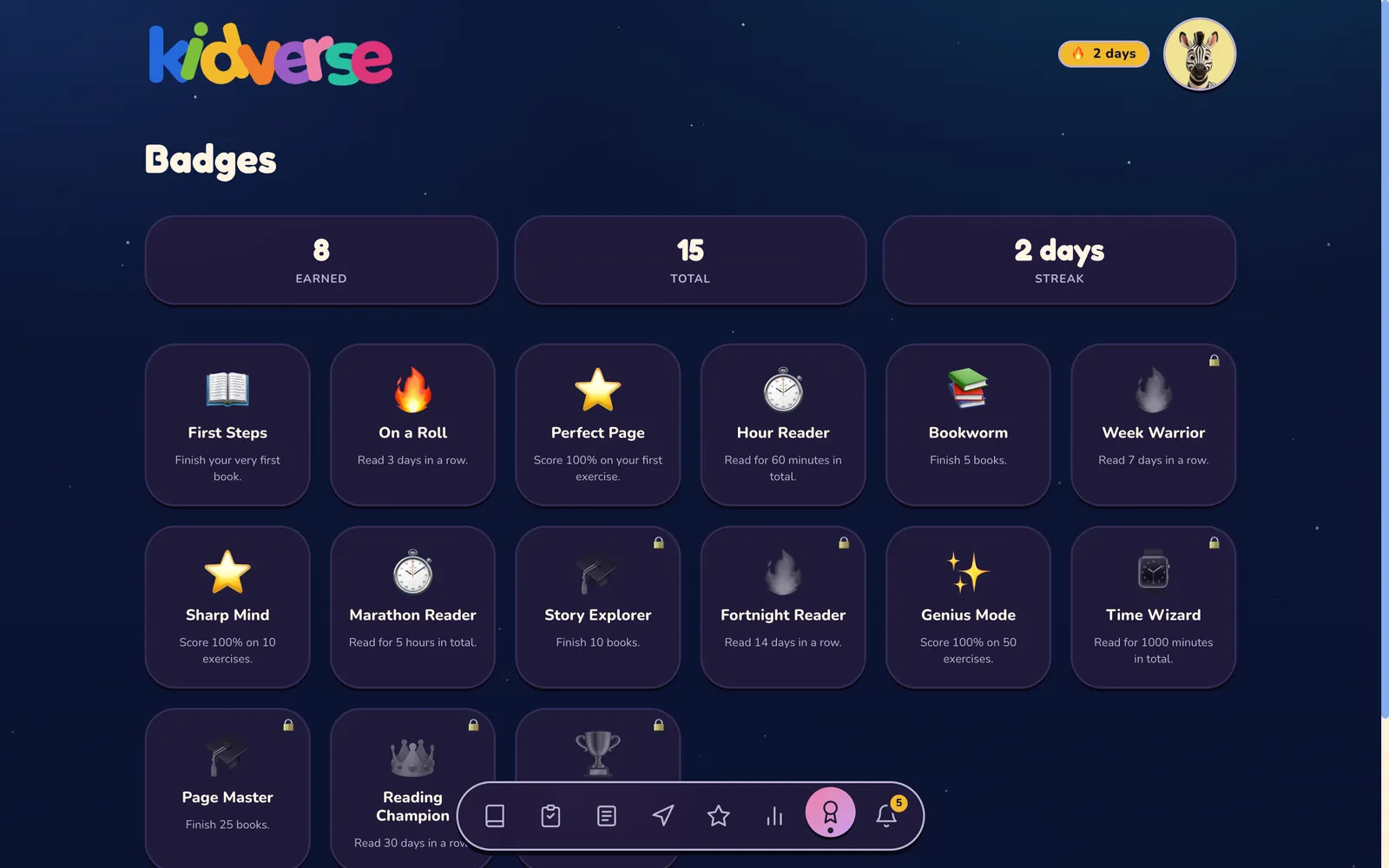
Badges earned and still to unlock
Badges that build a daily reading habit
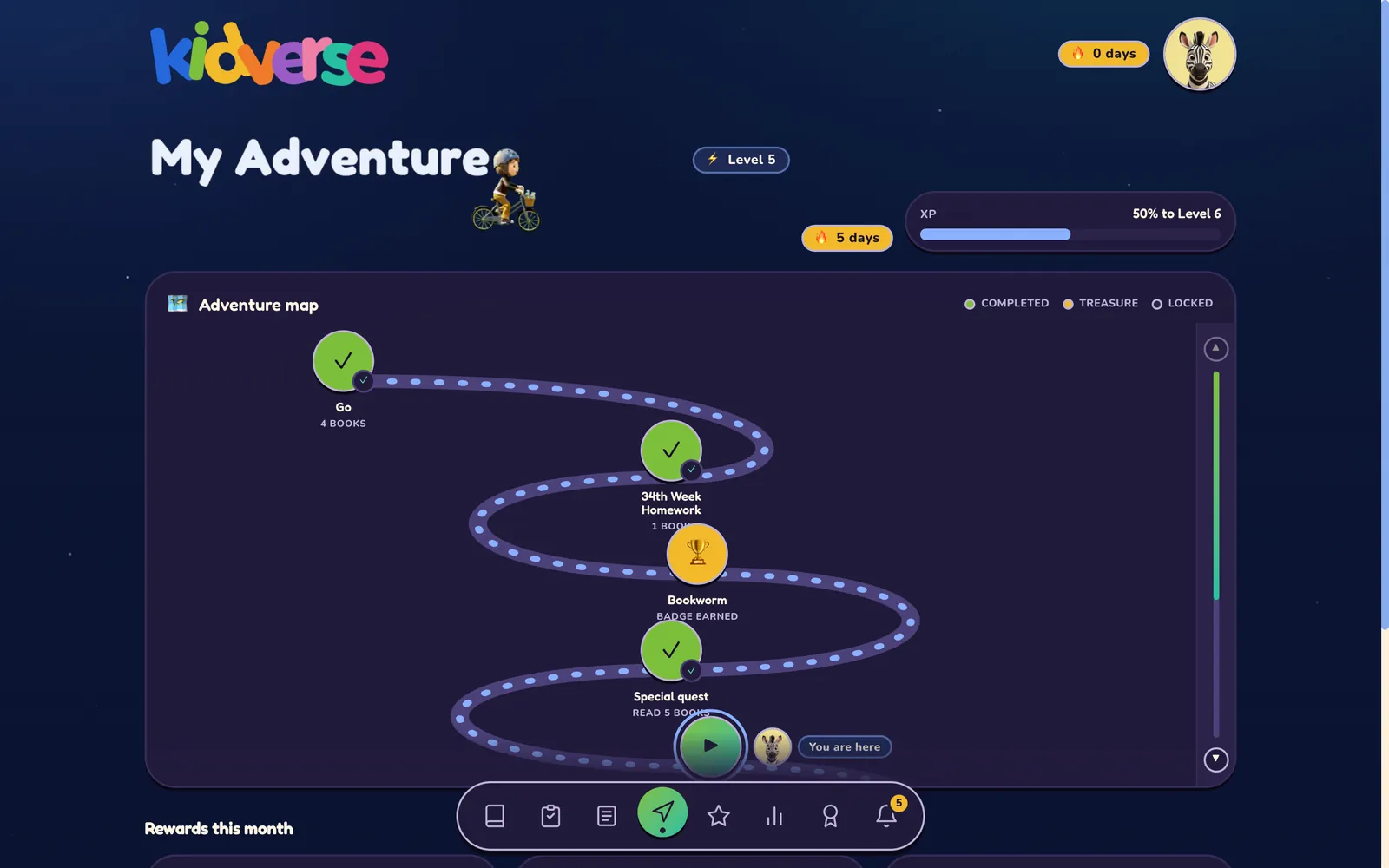
Adventure map showing completed stops and the next one
Adventure map — every finished book moves the child forward

Framework

Built on a real academic framework.

CEFR / GSE

7 micro-levels, GSE 10–42

PYP integrated

6 transdisciplinary themes as library tags — filter by unit

Values education / SDG

Character · Social · Environment — no forced messaging

Customisable content

Tailored to a school's curriculum, culture or region

Culturally aligned with MoNE

Designed in line with the cultural expectations of Türkiye's Ministry of National Education regulations

Bring Kidverse to your school.

Bring Kidverse to one of your schools and see it in a real class.

QR code for kidverse.co.uk
info@toddle.solutions

Scan to explore